Open Enrollment
2027 Open Enrollment is from Monday, October 19 through Friday, November 6 at 11:59 p.m. Elections are effective on January 1, 2027 with the first deductions being taken in December 2026.
Even if you are not changing your elections, you are encouraged to complete an active enrollment for the next plan year. If you are enrolled in the FSA and wish to continue this benefit, an active election is REQUIRED. Click here to see what's changing for 2027.
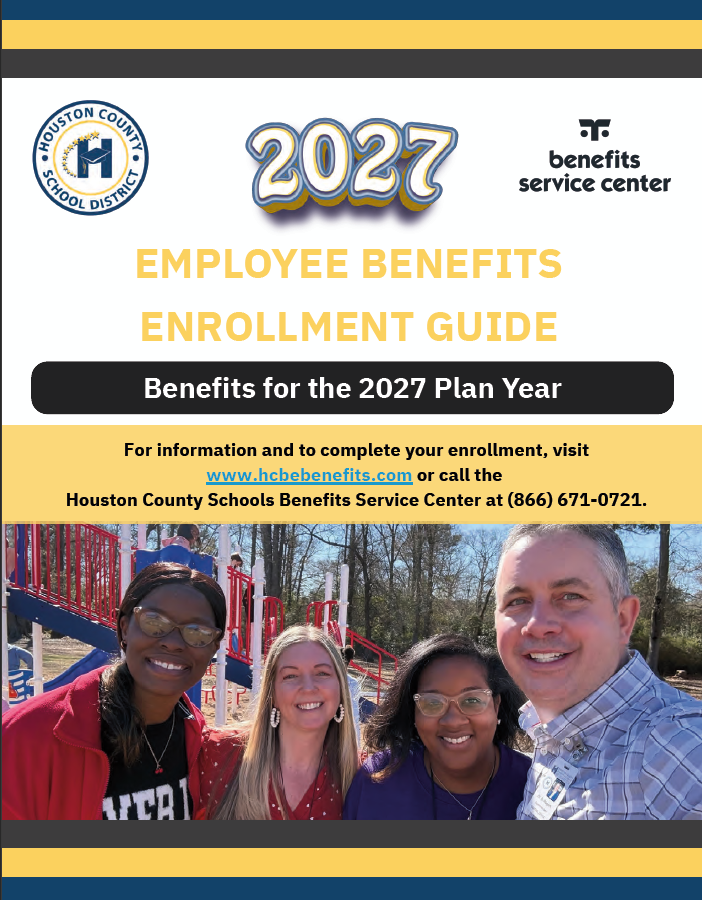
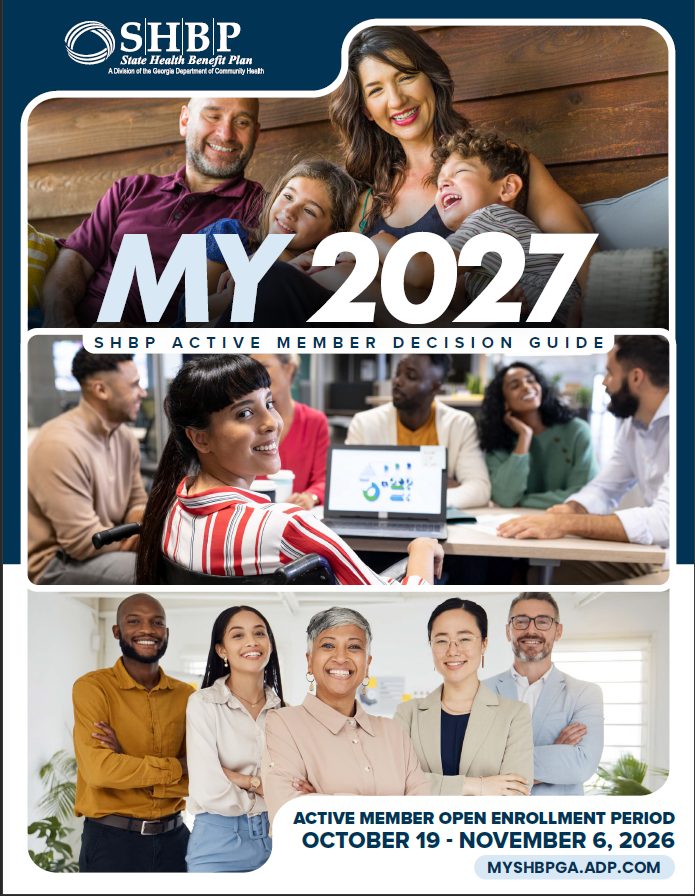
Click the picture below to view the 2027 Annual Open Enrollment Guide and SHBP Decision Guide.
Medical - State Health Benefit Plan (SHBP)
- The medical plan premiums will have an increase of approximately 2% to 7%, depending on the option and coverage level.
- Express Scripts Pharmacy Benefit Services, part of Evernorth Health Services, will be the pharmacy benefits manager.
- The well-being incentive points have a slight update for 2027; points will be increased for preventive screenings and coaching.
You are not required to complete an active election for medical to carry forward to the next plan year, but this is a great time to access the SHBP enrollment portal to review your enrollment information and print a Confirmation Statement for your records. If you do not enroll, your medical benefits will carry forward to next year. This includes any applicable tobacco surcharge.
Local Benefits (Non-Medical)
- New Hospital Indemnity Benefit: This new plan will pay a fixed benefit for planned and unplanned hospital and ICU admissions and stays, including maternity.
- New Employer-paid Gym Membership. We’re pleased to announce that you now have a choice between MaxFitness and FitCo at no cost to you. You’ll make your preferred gym selection during Open Enrollment.
Your current benefits will continue to next year if you do not complete an election, with the exception of the FSA plan. If you are enrolled in the FSA and wish to continue this benefit, an active election is REQUIRED. We encourage you to review your personal information, plan options, and life insurance beneficiary information at this time even if you are not making changes to your voluntary benefits.
Benefits Service Center Hours
- Monday through Thursday: 8:00 a.m. - 6:00 p.m.
- Friday: 8:00 a.m. - 5:00 p.m.
Enrollment Instructions
Enrollment is not required, except for the FSA plan. If you would like to continue your FSA election, an active election is required.
Medical (SHBP): Log on to https://myshbpga.adp.com/shbp. You will likely need to reset your password. Be sure to print and retain your SHBP Confirmation Statement once you have completed your medical enrollment.
Local Benefits (non-medical): Call the Benefits Service Center at (866) 671-0721 or access the Enroll Now link on the home page of this website.
- Telephonic Enrollment: The Houston County Schools Benefits Service Center is available Monday - Thursday from 8am - 6pm and Friday from 8am - 5pm. You can speak with a trained Benefits Specialist who will answer your benefits questions and complete your enrollment. English and Spanish Benefits Specialists are available to assist you.
- Online Enrollment: Access Enroll Now. Click on “Login” to begin. You will be prompted to enter the email address on file for you and your password. If you cannot remember your password, click on “Forgot your password?” to reset it. Once you have logged in, you will be able to complete your enrollment. You can complete your benefit elections by clicking “Begin Enrollment” and following the prompts.
- You will receive a Confirmation Statement via email following the completion of your enrollment.
Enrollment Sessions
Information Sessions Available:
On-site representatives will be available at the dates and times listed below:
Thursday, October 22, 1:00 p.m. – 6:00 p.m., Transportation Building
Monday, October 26, 1:00 p.m. – 6:00 p.m., Houston County Career Academy, Room 701
Thursday, October 29, 1:00 p.m. – 6:00 p.m., Houston County Career Academy, Room 701
Tuesday, November 3, 1:00 p.m. – 6:00 p.m., Transportation Building
Wednesday, November 4, 10:00 a.m. – 6:00 p.m., Board Office, Ragin Center
State Health Benefit Plan Reminders
Adding Dependents to Your Medical Plan?
If you wish to add dependents to your health plan at this time, ADP will contact you by mail and email to request appropriate verification documents. This communication from ADP will include a personalized fax cover sheet with a bar code that must be used when submitting documentation.
Appropriate documentation must be attached to the fax cover page. If you do not receive the request, contact SHBP at (800) 610-1863 to have the request sent to you. Your dependents will not be covered until the documentation is approved.
Summary of Benefits and Coverage (SBC) for Plan Options
SHBP provides a Summary of Benefits and Coverage (SBC) for the following Plan Options: Health Maintenance Organization (HMO), Health Reimbursement Arrangement (HRA) and High Deductible Health Plan (HDHP). SBCs include standard information that help you to understand, evaluate and compare the Plan Options as you make decisions about which Plan Option to choose.
The SBCs are available online at www.shbp.georgia.gov and you may request a paper copy of the SBCs free of charge by calling SHBP Member Services at (800) 610-1863.
Important Plan Reminders
All members must provide SHBP with their Taxpayer Identification Number (TIN) for themselves and their enrolled dependents upon enrolling in SHBP coverage. The most common type of TIN is a Social Security Number (SSN), but for individuals who are not eligible for a SSN, members may submit an Individual Taxpayer Identification Number (ITIN) or Adoption Taxpayer Identification Number (ATIN). Failure to submit a TIN will result in a loss of coverage and no refund will be issued.
The requirement to provide a SSN or other TIN is a separate process from Dependent Verification. Dependents whose coverage is terminated due to providing an invalid SSN or no SSN are not eligible for coverage even if they passed the Dependent Verification process as they have failed to provide a valid SSN to SHBP.
Members should provide their dependent’s SSN by entering it directly into the SHBP Enrollment Portal at https://myshbpga.adp.com/shbp/ or by calling SHBP Member Services at (800) 610-1863.
Resetting Your SHBP Password
How to Reset Your Password
Step 1: Go to www.myshbpga.adp.com and click "Need help signing in?".
Step 2: Enter the requested demographic information.
Step 3: Follow the instructions to answer a series of security questions*.
Step 4: Create a new password and click "Continue."
* Note: If you do not know the answers to the security questions, contact SHBP Member Services at (800) 610-1863 for assistance in resetting your password. You will have three tries in total to answer the security questions before your account is locked and you must begin the process again.
Open Enrollment Checklists
SHBP Open Enrollment Checklist
► Verify all desired dependents are listed on the Confirmation Page and have a valid Social Security Number (SSN) or other Tax Identification Number (TIN).
► Verify your coverage tier: you only, you + spouse, you + child(ren) or you + family.
► Confirm that the Plan Option selected (shown on the Confirmation Page) is correct based on your selection.
► Confirm that you answered the Tobacco Surcharge question appropriately.
► Confirm that you have clicked "Finish".
► Print Confirmation Page and save for your records.
► Look for new medical plan ID cards to be issued by early January.
Local Benefits Open Enrollment Checklist
► Be sure to confirm your email address by phone or online, during your enrollment.
► Upon completion of your enrollment, you will receive a local benefits Confirmation Statement via email to the email address on record.
► Review your local benefits Confirmation Statement for accuracy and retain it for your records.
► Verify the accuracy of your life insurance beneficiary information.
► Contact the Benefits Service Center if you have any updates or corrections to your local benefits Confirmation Statement.
► You will not receive a new dental ID card unless you make changes to your benefit plan or coverage level. Please contact MetLife to request a dental ID card.
If your address is incorrect in the State Health or local benefits system, login to Employee Self Service (ESS) to update your address with HCSD. ESS is found on www.hcbe.net under the Employee tab. Contact Human Resources at (478) 988-6244 to have your ESS password reset.
Note: You may complete enrollment changes multiple times, but the last option confirmed at the close of OE will be your option for the plan year unless you experience a Qualifying Life Event that allows you to make a change.

Questions: (866) 671-0721
or email us at